

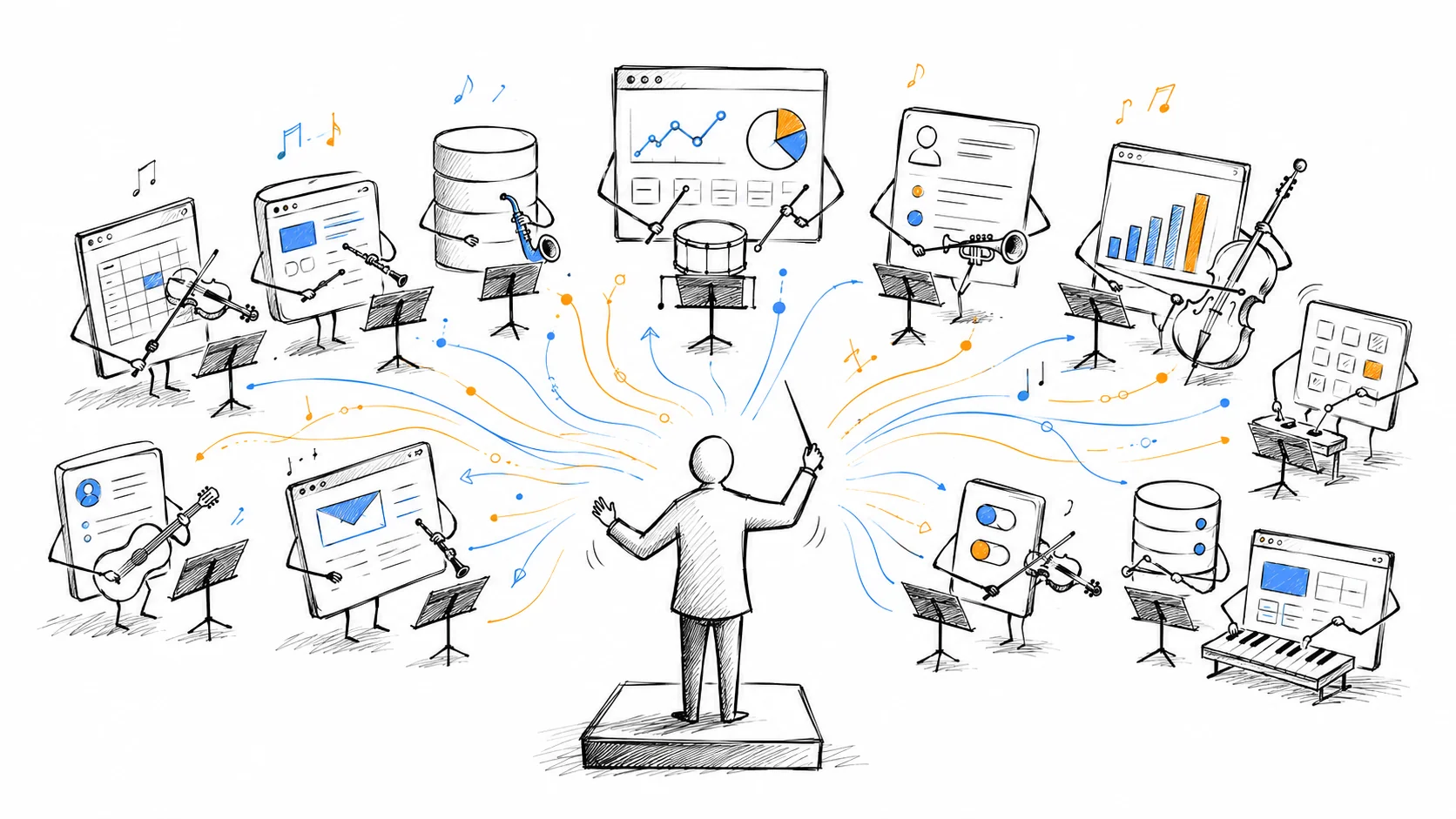
Your SaaS just became plumbing: build for agent access
A customer wants a campaign report. Today, they may open three applications, export data, and assemble the answer. An agent could do that work through the same applications’ APIs, then bring the report back for review.
The applications still matter. Their interface may no longer be where the customer starts.
That is the strategic shift I want SaaS builders to consider. Adding an AI assistant inside your product is one response. Making your product dependable when another agent calls it deserves equal attention.
What the orchestration layer does
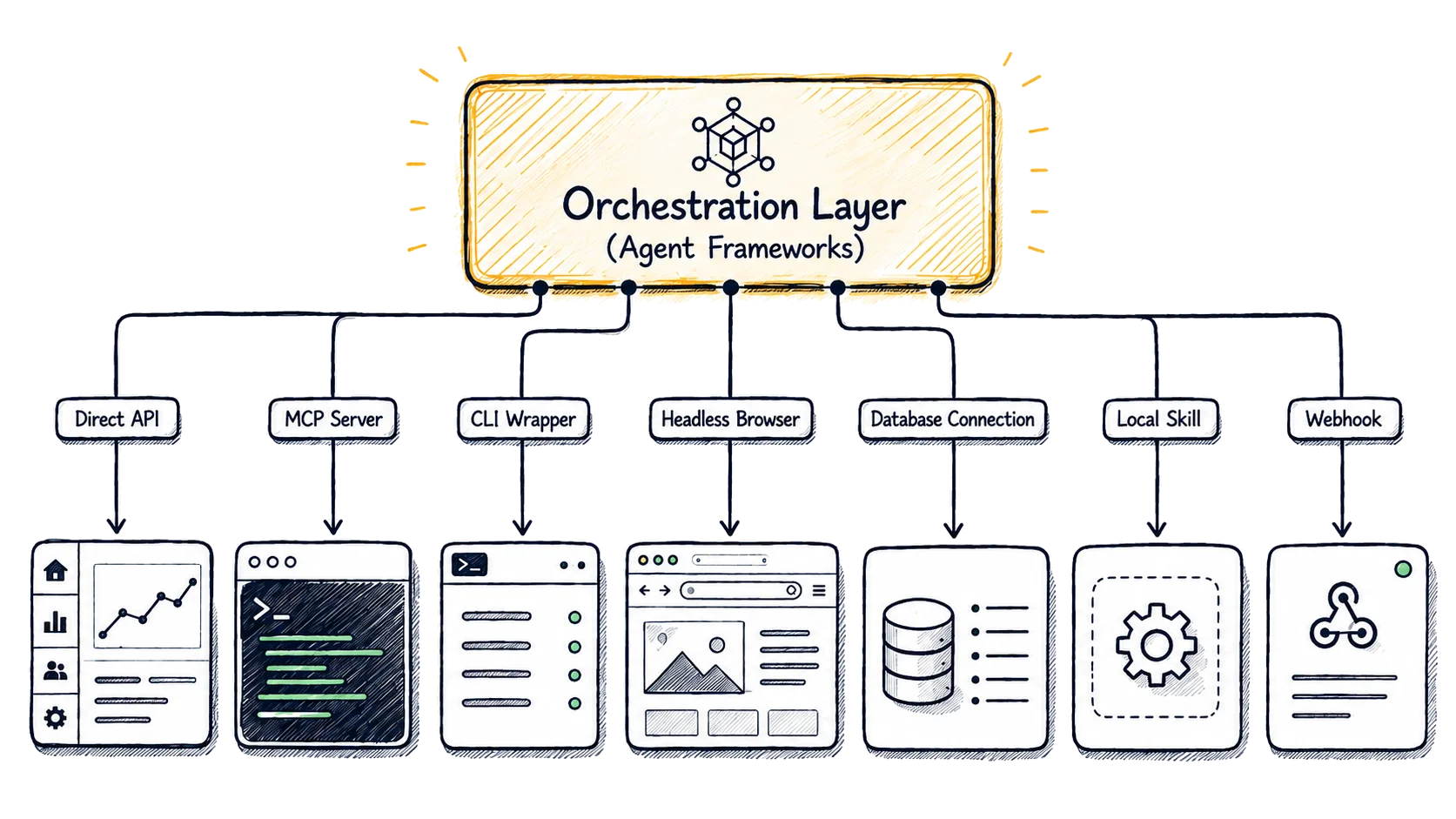
An orchestration layer coordinates steps, tools, and saved state. A model may choose the next action; software provides the tools, permissions, and record of what happened. In a marketing workflow, that could mean retrieving campaign data, comparing it with a brief, drafting a recommendation, and pausing for approval.
LangGraph’s documentation describes infrastructure for stateful agent workflows, including durable execution and human intervention. That is a concrete example of the layer. It is not evidence that every business has adopted it or that every workflow needs it.
Anthropic’s guidance on building effective agents distinguishes predefined workflows from agents that choose their own steps. It recommends simpler approaches when they are sufficient. A scheduled API call may solve your customer’s problem without an autonomous agent.
Why this matters to a SaaS business
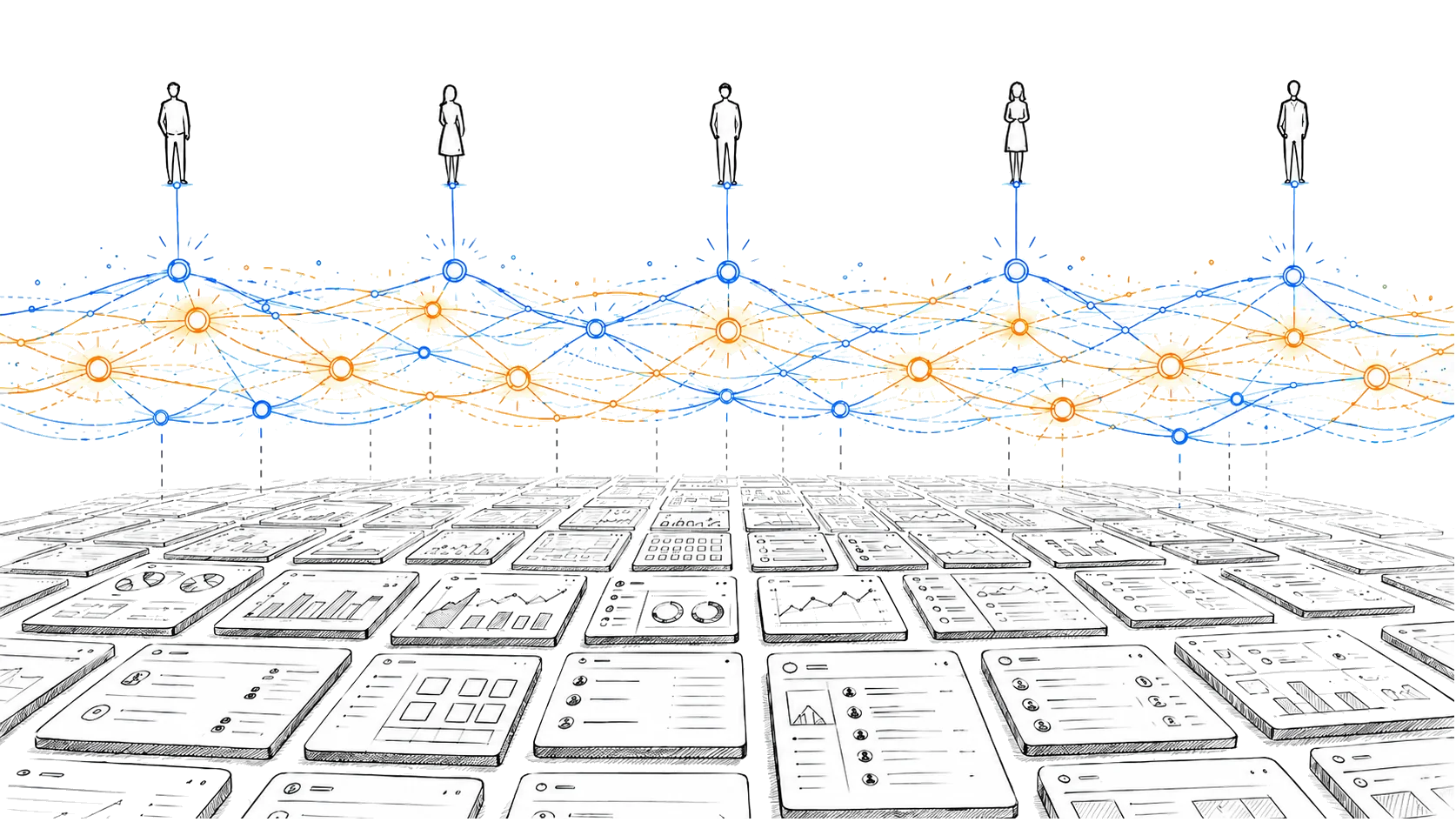
When a customer can complete a task without opening your interface, some of your value becomes less visible. The report may appear in a chat or another application’s workspace. Your product still supplies data or performs an action, but the customer’s attention is elsewhere.
My view is that this makes reliable integration more important to retention and product strategy. It does not make interfaces, branding, or onboarding worthless. People still need to configure systems, investigate mistakes, resolve exceptions, and understand what they are paying for.
Consider a marketing contact database. An agent might retrieve approved contacts and draft outreach. The database still needs accurate records, consent information, access controls, and a usable way for people to correct mistakes. An agent does not remove those responsibilities.
Model choice does not remove switching costs
An orchestration layer can make it easier to route different tasks to different model providers. That gives buyers options. It does not make providers interchangeable.
Tool use, response formats, cost, speed, and error patterns can change between models. A workflow that performs well with one model needs evaluation before a replacement handles customer data or external actions. Credentials and data-handling requirements also remain part of the decision.
For a SaaS builder, the practical opportunity is to keep the integration contract clear enough that a customer can change their agent setup without rebuilding your side of the connection. You cannot control every model they choose. You can document what your API accepts and what it returns.
Give agents a supported way to act
Agents can use APIs, tool protocols, command-line utilities, or browser automation when the customer has authorized that access. Those routes have different failure modes. An API with stable identifiers is usually easier to validate than a sequence of clicks that depends on a screen layout.
MCP is one option for exposing tools and resources. Its authorization specification describes an authorization framework for HTTP-based transports. Using MCP does not by itself decide which business actions an agent should be allowed to perform. Your application still needs to enforce its permissions.
Browser access is also not permission to bypass authentication, contractual restrictions, or approval requirements. If your customer’s agent cannot legitimately complete a task, provide an explicit failure or a supported handoff.
Start with one customer task
Pick a task a customer already repeats. For example, retrieve last week’s campaign results and prepare a report. Test the complete sequence, including a missing campaign, an expired credential, and a request repeated after a timeout.
Use these checks to review your integration:
| Question | Evidence to ask for |
|---|---|
| Can the agent find the right record? | Stable IDs, documented filters, and clear pagination |
| Can access be limited to the task? | A read-only credential for a reporting workflow |
| What happens after a timeout? | A retry policy and protection against duplicate writes |
| Can a person reconstruct the action? | Logs that identify the actor, inputs, result, and approval where required |
| What happens when the data is missing? | A clear error or incomplete result, rather than an invented answer |
| Can the customer stop the workflow? | Credential revocation and a documented way to cancel work |
These are product decisions as well as engineering decisions. A report that quietly omits half the requested data is a customer problem even if the API returned a successful status.
Revisit pricing with actual usage
Agents can change the relationship between human seats and the amount of work performed. One employee might initiate many automated jobs. That is a reason to measure usage and support costs before deciding how to charge.
It is not proof that every seat-based plan must disappear. A seat can still represent governance, collaboration, or access to expert tooling. Usage-based pricing also has tradeoffs: customers need predictable bills, understandable units, and limits that keep an accidental loop from becoming an expensive surprise.
Review a real workflow with a customer. Record the calls, compute, data access, and support it requires. Use that evidence to decide whether your current plan makes sense.
Build for the work, wherever it starts
The useful question for a SaaS leadership team is: if a customer asks an agent to use our product, can it complete an authorized task reliably, and can a person understand the result?
Answer that with a working integration and a small set of tests. Keep the human interface useful for oversight and exceptions. Make the supported actions clear enough that customers do not have to improvise around your product.
That is the part of this shift you can act on now. For marketing teams choosing the work to automate, our guide to a first agent assignment starts at the other end of the same problem.
For a marketing workspace built around agent tasks and human review, explore BoastOS pricing and installation. If you need help choosing the first workflow, BoastAble services includes discovery and implementation.
Prepared with AI assistance for BoastOS. Examples are illustrative unless identified as measured results. Product references describe BoastOS, which the author helps build.